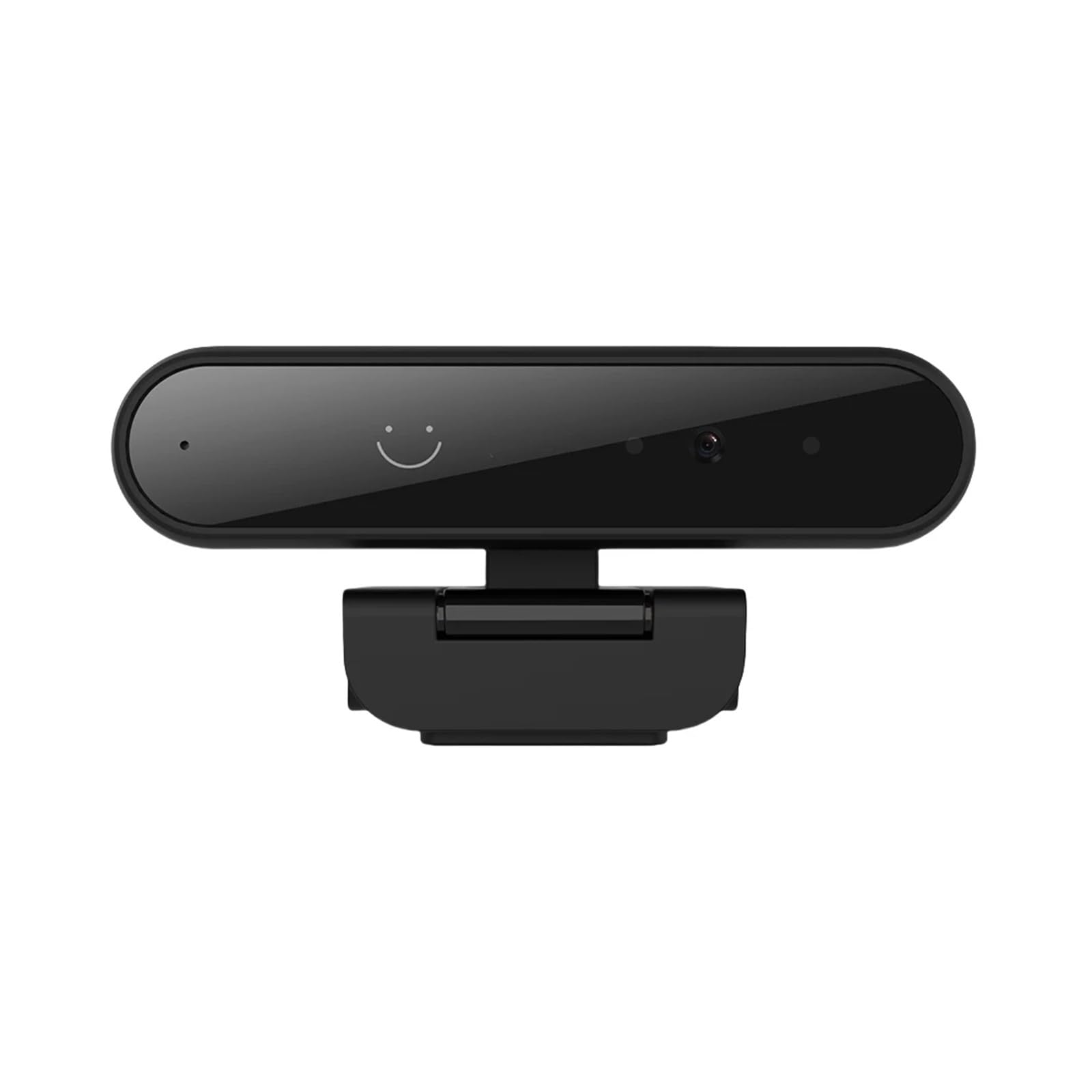
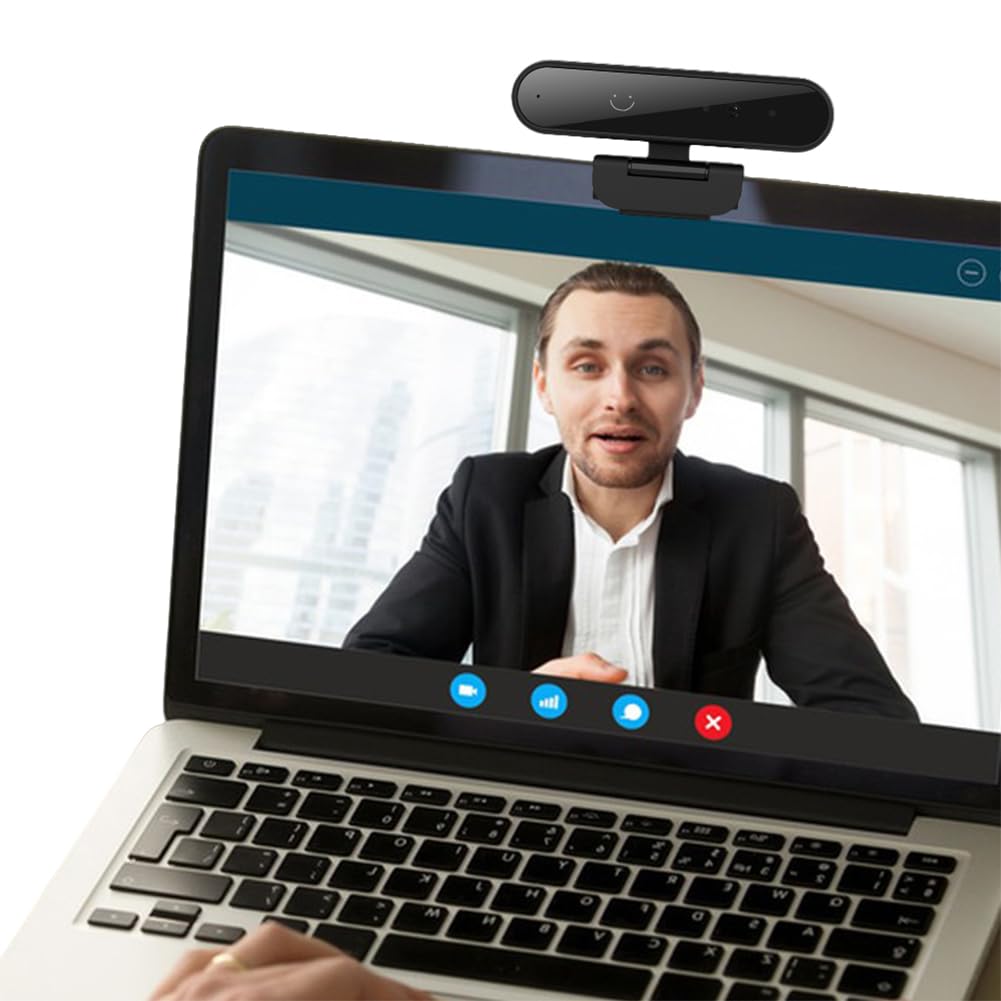
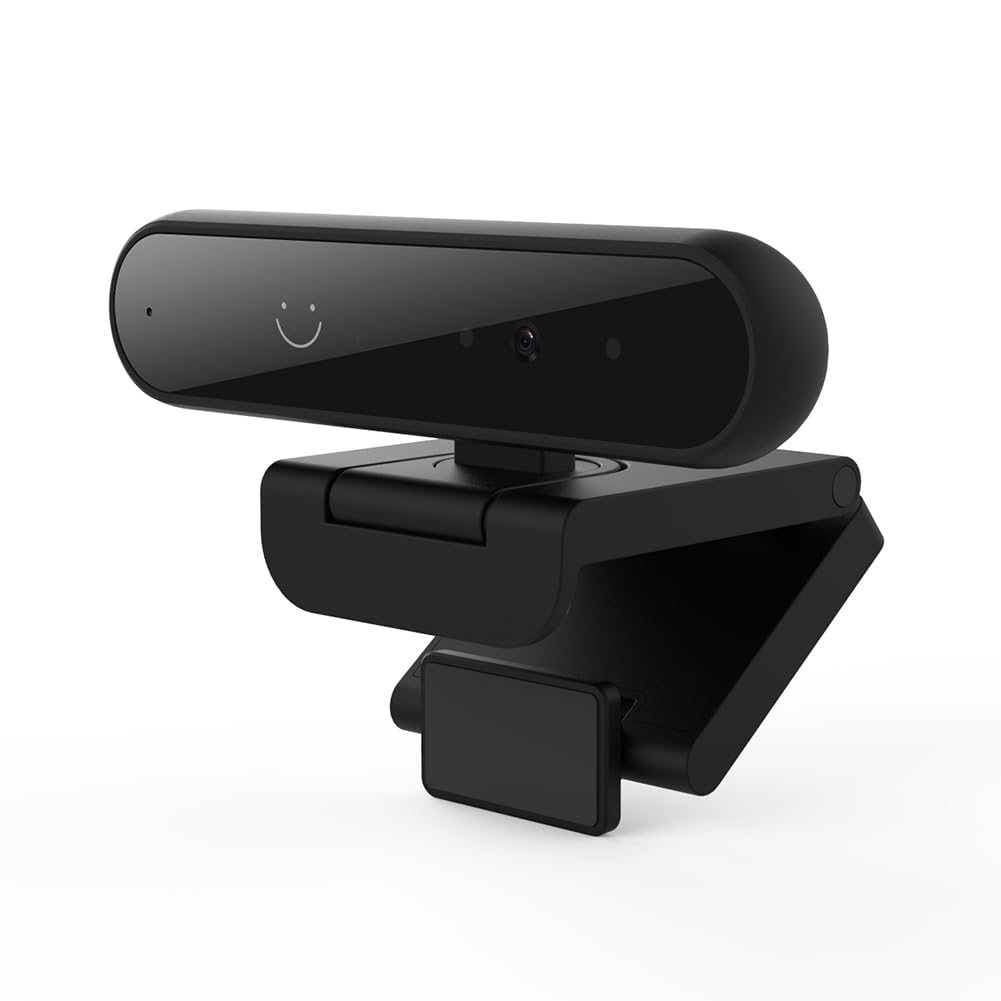
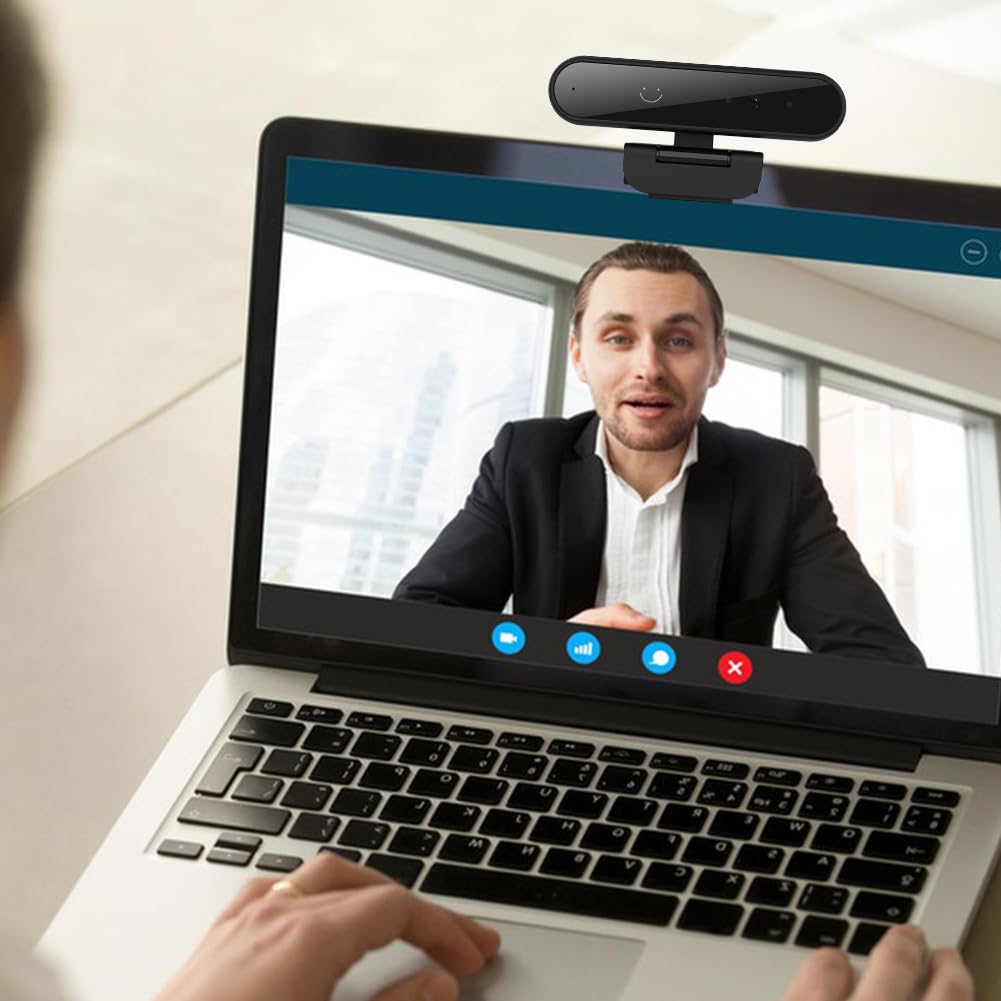

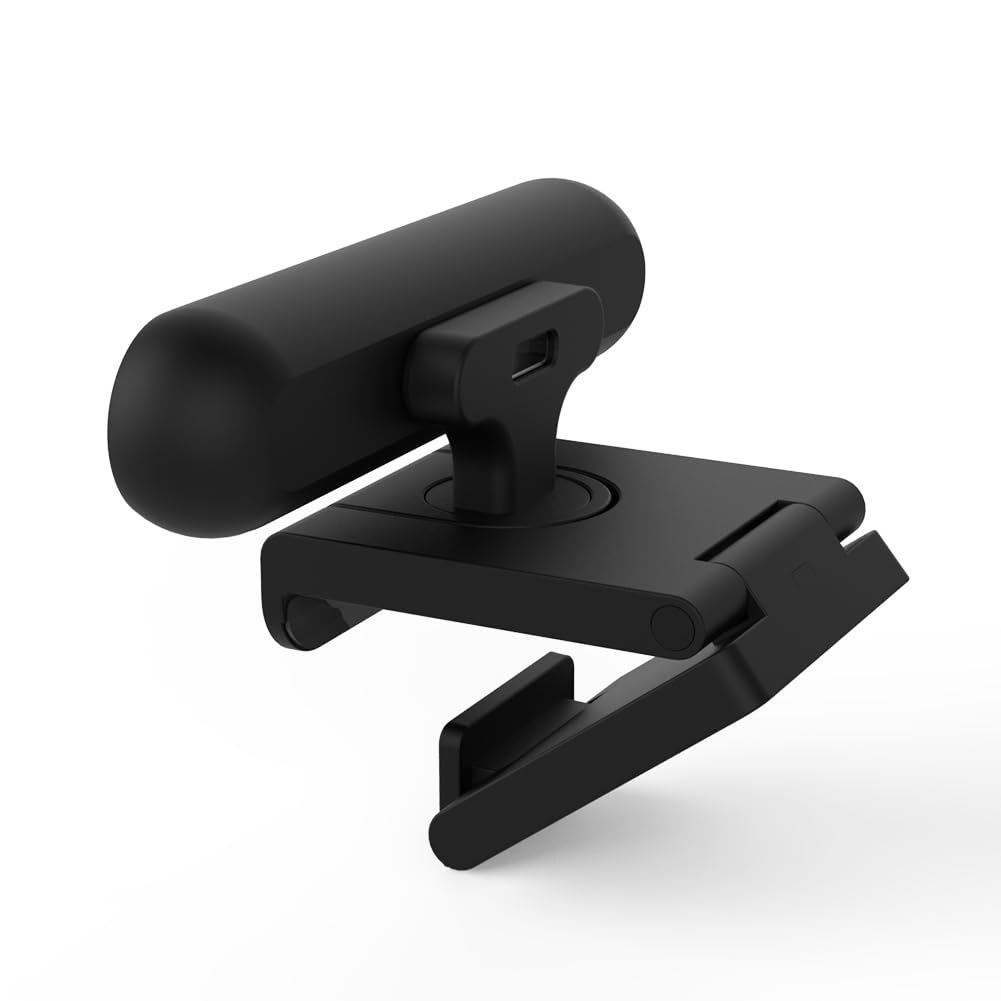
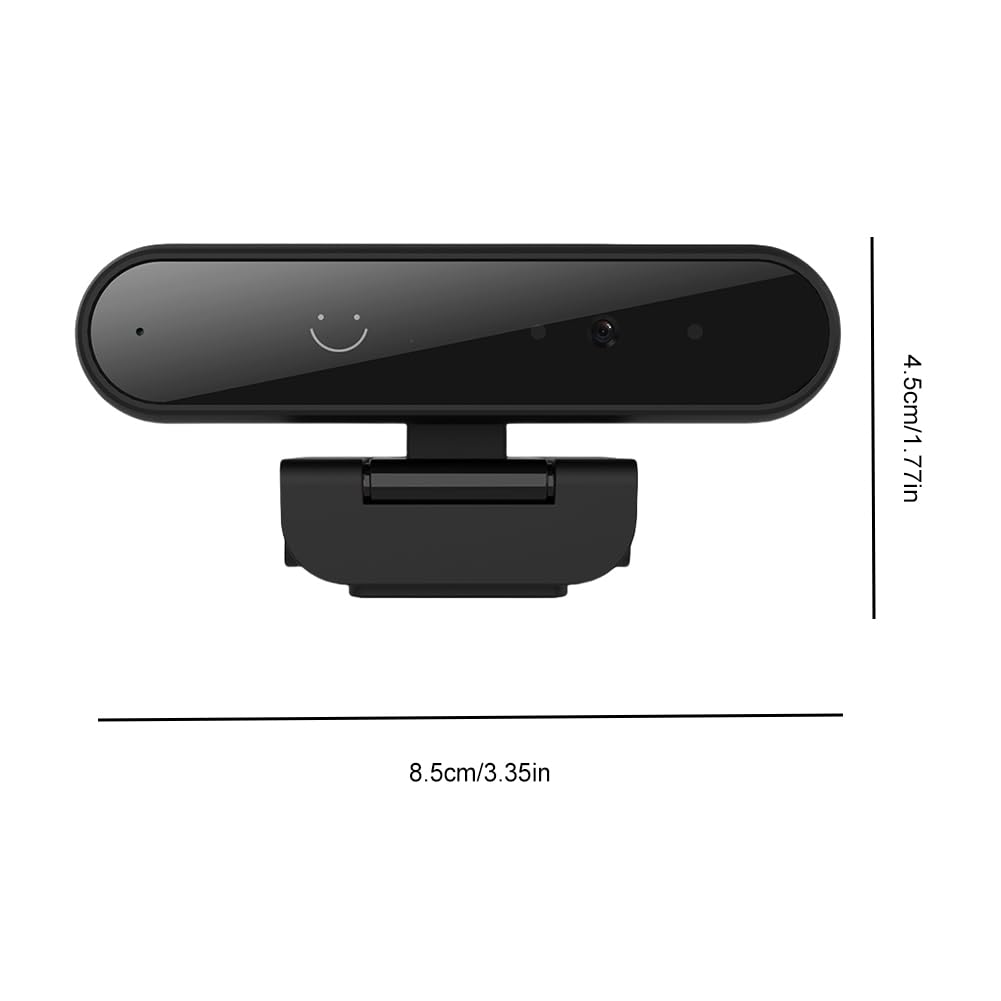
Identification Login Web Camera 1MP 720P/2MP 1080P for Windows Hello USB Computer Webcam Built-in Microphone
Przegląd produktu
Marka: EWsdsfs
Technologia matrycy fotograficznej: BSI CMOS
Maksymalna ogniskowa: 1 cm
Format przechwytywania wideo: ASF
Kolor: 1MP 720P
Nazwa modelu: NCCBGGCGV
Dołączone komponenty: Adapter
Minimalna ogniskowa: 1 cm
Rozmiar sensora zdjęć: < 1/4 inch
- 1. Compatible with Windows: This recognition webcam is designed compatible with Windows 10 and 11, requiring users to follow security prompts to access the operating system via recognition, followed by a keyboard or mouse action.
- 2. Privacy Features: Easily manage your privacy with a sliding cover to open or close the identification login web camera lens. Ensure the cover is open before logging in or unlocking your device for seamless access.
- 3. Versatile Functionality: This USB computer webcam compatible with Windows Hello Face-ID, making it for video conferencing, calls, and meetings. For optimal recognition, configure your with and without glasses.
- 4. Direct USB Connection: For optimal performance and compatibility, connect the computer web camera directly to your computer's USB port. If using a non-official compatible with Windows activation, switch to a account or create a new standard user account to access compatible with Windows Hello features.
- 5. Microphone Setup: If the microphone of this webcam isn't capturing sound, navigate to > System > Sound > Input and select USB2.0 device as the microphone to ensure proper input.